


Good design can be achieved without fully grasping the principles of design, but this often involves a lot of trial and error to create something visually appealing and user-friendly.
One challenging aspect of discussing the principles of design is determining how many principles there are (five? Ten?). Even when this is settled, deciding which principles should be included remains a point of contention.
A quick search for “principles of design” on Google will yield results that list anywhere from five to over a dozen principles. Even those that agree on the number don’t always agree on which principles should be included.
Generally, there are about twelve core principles of design that both novice and expert designers should consider in their projects. Additionally, there are about a dozen secondary design principles (such as Gestalt Principles, typography, color, and framing) that are sometimes considered fundamental. Here are the main design principles explained with examples.
Key Visual Design Principles
While there is no absolute consensus in the design community about which principles are fundamental, the following twelve are commonly mentioned in design literature.
1. Contrast
Contrast highlights differences between design elements, especially those that are next to each other, making them stand out. It’s crucial for creating accessible designs, as insufficient contrast can make text difficult to read, especially for those with visual impairments.
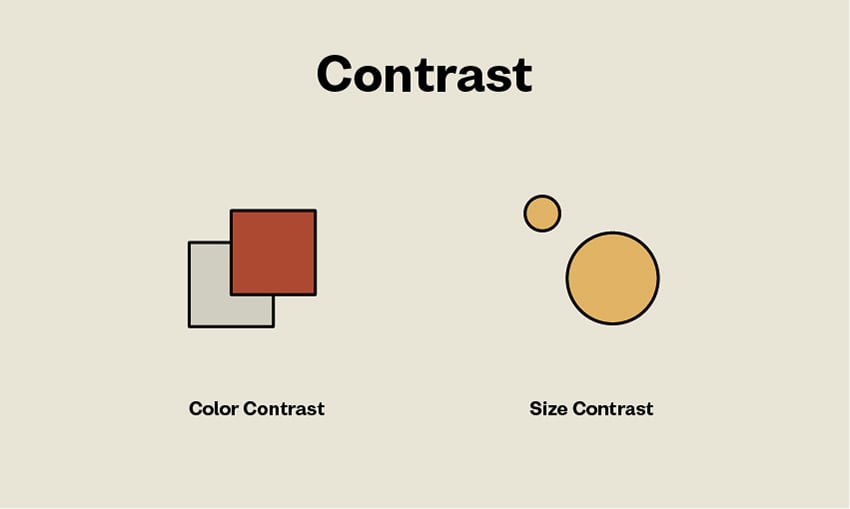
From Envato Tuts
2. Balance
All design elements and principles, such as typography, colors, and shapes, have visual weight. These elements should be arranged to create a sense of balance, either symmetrical (equal weight on both sides) or asymmetrical (differing weights arranged around a non-central line).
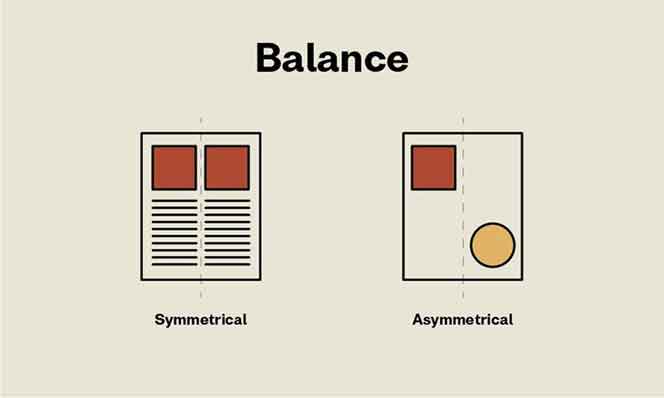
From Prerit
3. Emphasis
Emphasis focuses on the most important parts of a design, usually the key information.

From Toptal
4. Proportion
Proportion refers to the size relationships between elements, indicating their importance. Larger elements are more important, smaller ones less so.
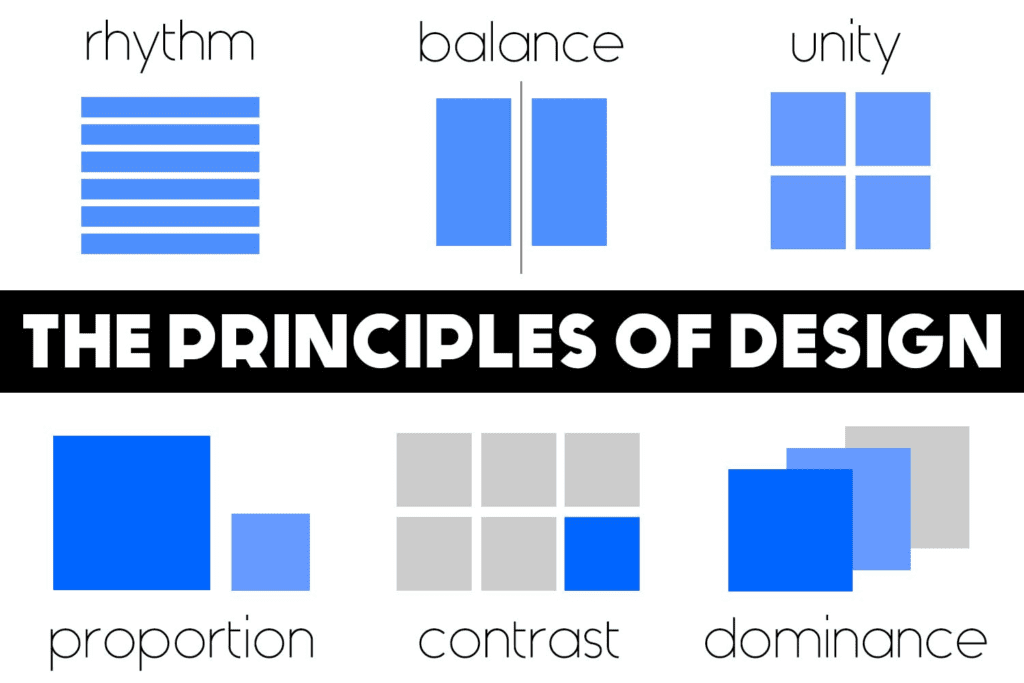
From OnlineDesign Teacher
5. Hierarchy
Hierarchy organizes elements by importance, guiding the viewer’s eye to the most critical information first.
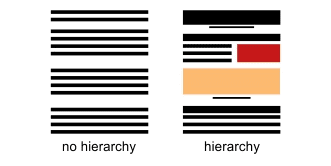
From Bridgewater
6. Repetition
Repetition reinforces ideas and unifies designs by repeating elements.
7. Rhythm
Rhythm is created by the spacing between repeating elements, similar to musical rhythm.
8. Pattern
Patterns are repeated design elements that create a cohesive look, like wallpaper designs.
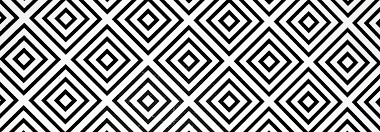
From Oppaca
9. White Space
White space, or negative space, is the empty area around design elements, helping to balance and emphasize content.

10. Movement
Movement directs the viewer’s eye through the design, from the most important element to the next.
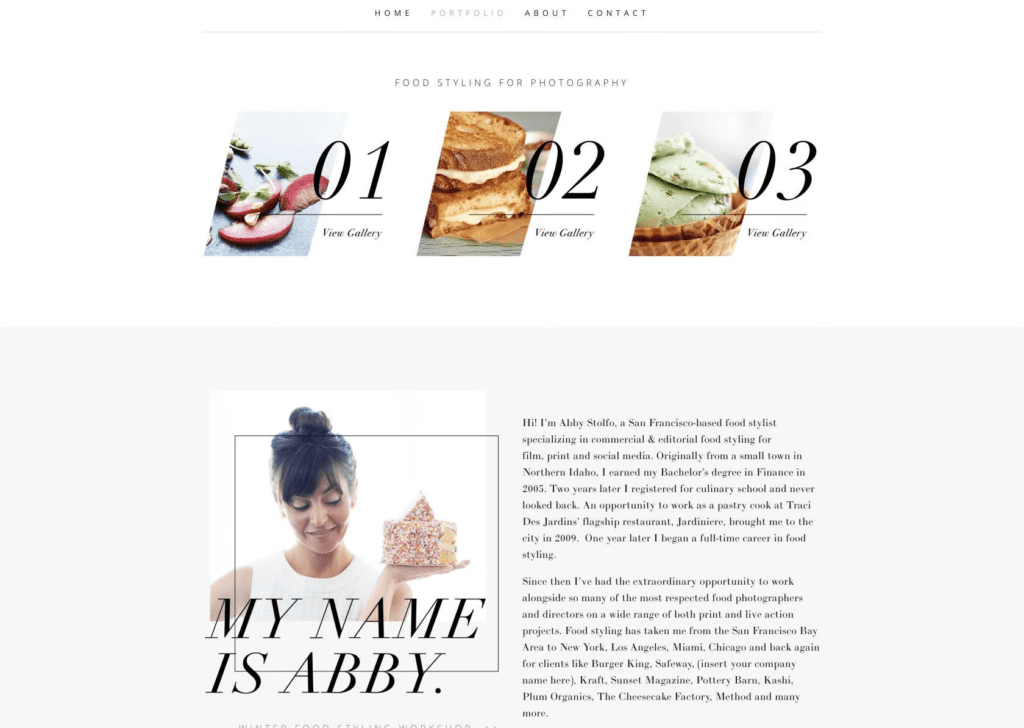
From Toptal
11. Variety
Variety adds visual interest by using different elements, preventing monotony.
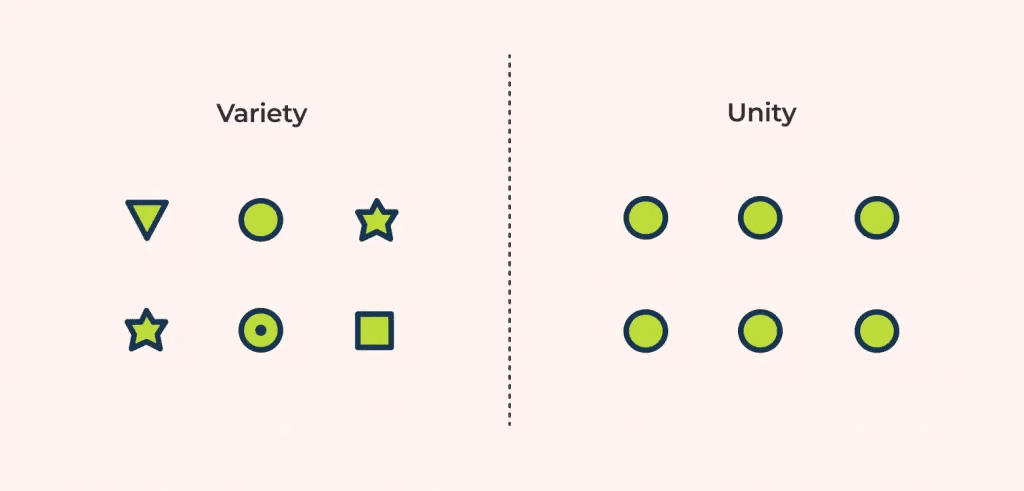
From ux360
12. Unity
Unity ensures all design elements work together harmoniously, creating a cohesive look.
Additional Design Principles
Other principles include typography, color, Gestalt Principles, grid and alignment, framing, and shape. These are sometimes considered fundamental to good design.
Conclusion
Understanding and applying these principles of design is crucial for successful design projects. While it’s possible to create good designs intuitively, mastering these principles can save time and improve user experience.
